
This lesson combines robotics, math, and programming:
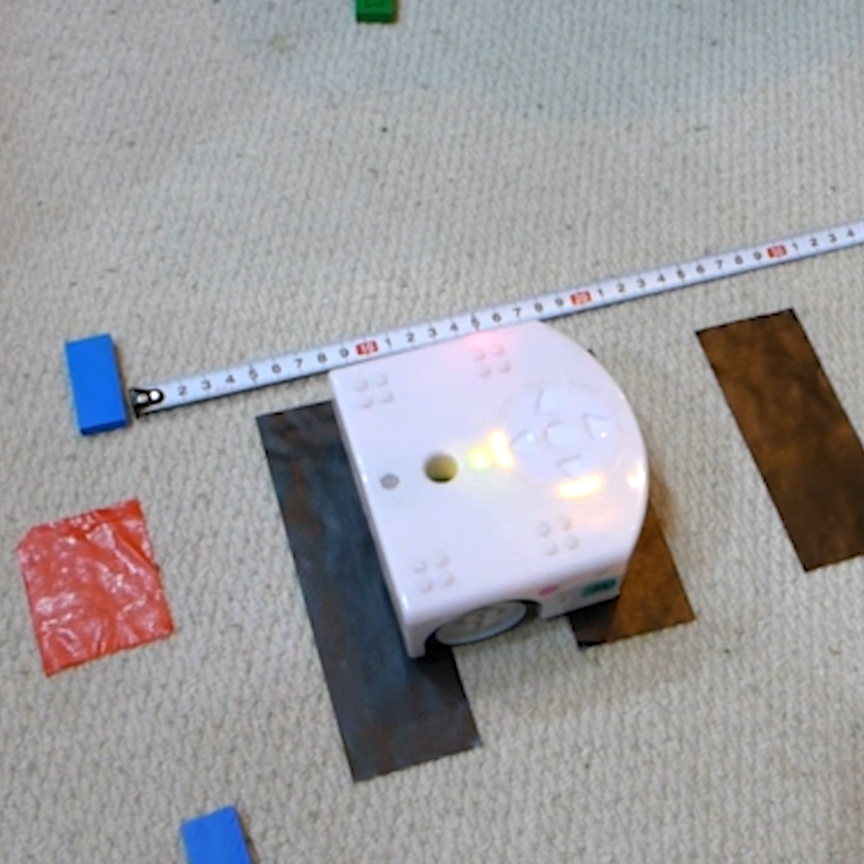
- Build a Thymio speedometer using a taped track and distance markers.
- Use VPL3 to measure how far Thymio travels over time.
- Compare estimated distance with actual measured distance.
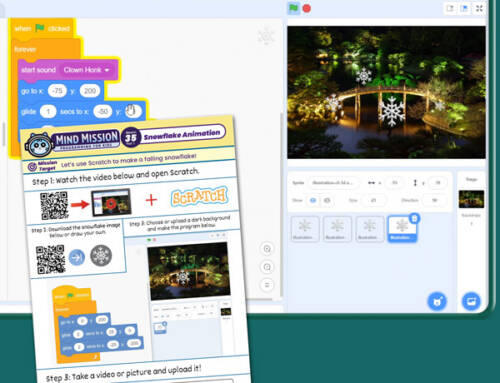
- Advanced: Use Scratch to calculate and announce speed in real time.
- Advanced: Test different speeds or wheel setups to find the most accurate results.
Solution Notes:
Speedometer Thymio Lesson Key Concepts
Turn Thymio into its own speed-measuring robot and explore how robotics, math, and programming work together! This lesson focuses on measuring, comparing, and improving accuracy using Thymio and simple tools:
- Build a taped track with distance markers to measure movement.
- Use VPL3 to estimate how far Thymio travels in a set time.
- Compare Thymio’s calculated distance with real measurements.
- Advanced: Use Scratch to calculate and announce speed.
- Advanced: Test different speeds and setups to improve accuracy.
Lesson Overview
In this lesson, students will:
- Set up a track using tape and distance markers.
- Program Thymio to move and estimate distance traveled.
- Measure actual distance and compare results.
- Adjust their program to improve accuracy.
By the end of this lesson, students will understand how measurement and programming can be used to calculate speed.
Important Notes:
Keep the track consistent and measure carefully for accurate comparisons.
Tips for this Lesson:
- Use evenly spaced markers for better measurement.
- Run multiple tests to check consistency.
- Keep speeds steady during each trial.
- Compare results and adjust your program step by step.
Products/Materials
The following products and resources can be used in this lesson:
Thymio II Robot
Black tape (track)
Tape measure
VPL3
Scratch (Part 2)
FUN FACT!
Did you know that speed is calculated the same way everywhere? Distance divided by time is how cars, trains, and even rockets measure how fast they are going!
Download the Lesson PDF Files Below:
Check out the video tutorial/solutions below: