Skip to content
FacebookTwitterInstagramPinterest
  • Getting Started
  • Lessons
  • Pixel Puzzles
  • Purchase
  • Solutions
  • My Account

    Register
Mind Mission Programming Logo

Home of Thymio II in Japan

  • Getting Started
  • Lessons
  • Pixel Puzzles
  • Purchase
  • Solutions
  • Getting Started
  • Lessons
  • Pixel Puzzles
  • Purchase
  • Solutions
  • Getting Started
  • Lessons
  • Pixel Puzzles
  • Purchase
  • Solutions
mmp settings1
User solution for: Thymio Settings Mission 1 - Volume
  • MMP Settings Mission 1
  • Submitted by: Jeremy (Teacher)
    Solution video:
    Codeless Mode:
    • Thymio Settings
    Lesson description:

    This lesson introduces basic Thymio controls:

    • Learn how to access the Settings Menu on Thymio.
    • Navigate between settings using the touch buttons.
    • Adjust the volume level using simple controls.
    • Understand how to enter and exit different settings modes.
    Solution Notes:

    Thymio Settings: Volume

    Learn how to change the volume on Thymio using the built-in settings menu.

    • Access Thymio’s Settings Menu using the touch buttons.
    • Navigate between settings using the left and right arrows.
    • Adjust the volume level using simple controls.

    Steps

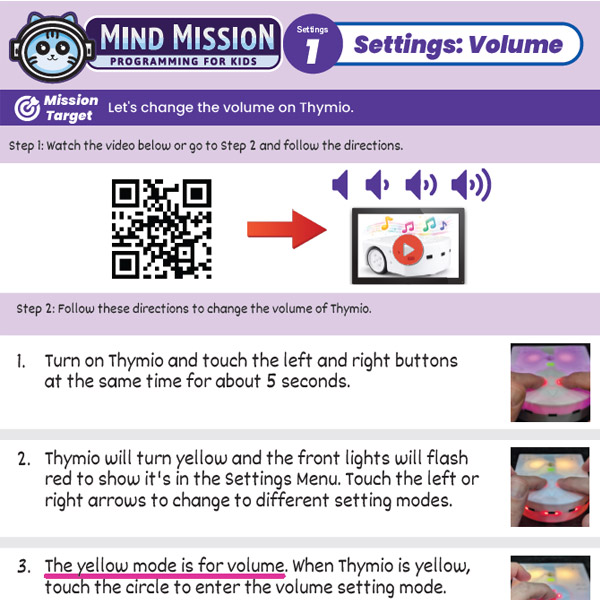
    1. Turn on Thymio and touch the left and right buttons at the same time for about 5 seconds.
    2. When Thymio turns yellow, use the arrows to find the volume setting mode (yellow) if it was changed.
    3. Touch the center button to enter volume mode.
    4. Use the up and down arrows to change the volume.
    5. Touch the center button again to exit.

    Products/Materials

    Thymio II Robot

    Download the Lesson PDF Files Below:

    Lesson Materials

    mission 1 volume settings

    Thymio Settings 1: Changing the Volume
    By Jeremy|2026-04-17T07:45:03+09:002026-04-16|Tags: Programming Basics, Thymio Settings, Volume Settings|

    Related Posts

    Bowling Bots Challenge
    Tower Toppler
    Projection Lamp (Halloween Programming Lesson)
    Custom Thymio (Saving Aseba Programs to Thymio’s 7th Bank)
    Goofy Thymio (Backwards Control with VPL3)
    Baller Thymio (Accelerometer Sensor Balancing)
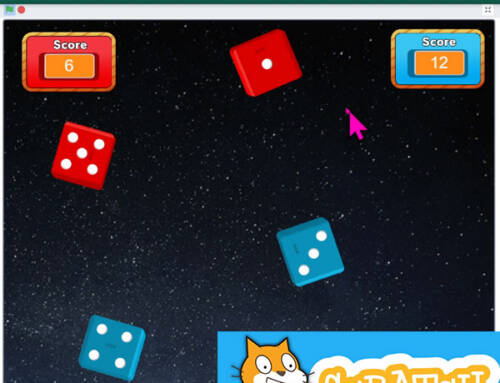
    Animated Scratch Dice Game (Scratch)
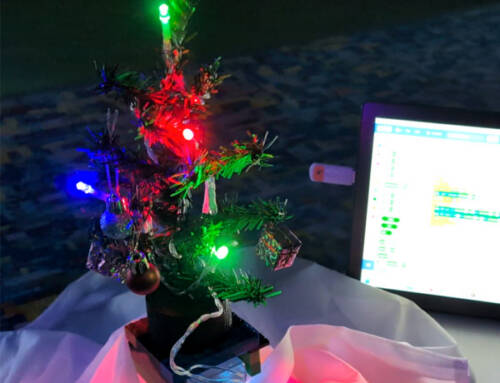
    Christmas Tree Light Show and Motion (Scratch)
    Kitchen Timer (VPL3)
    Scissor Lift (Apitor E × Thymio)
    Balance Scale + Self Leveling Scale (Apitor E × Thymio)
    Programming Basics 1: Bowling Bots
    © 2026 | MindMission.pro
    Page load link